Decipher VoiceMail
for Windows - Version 5
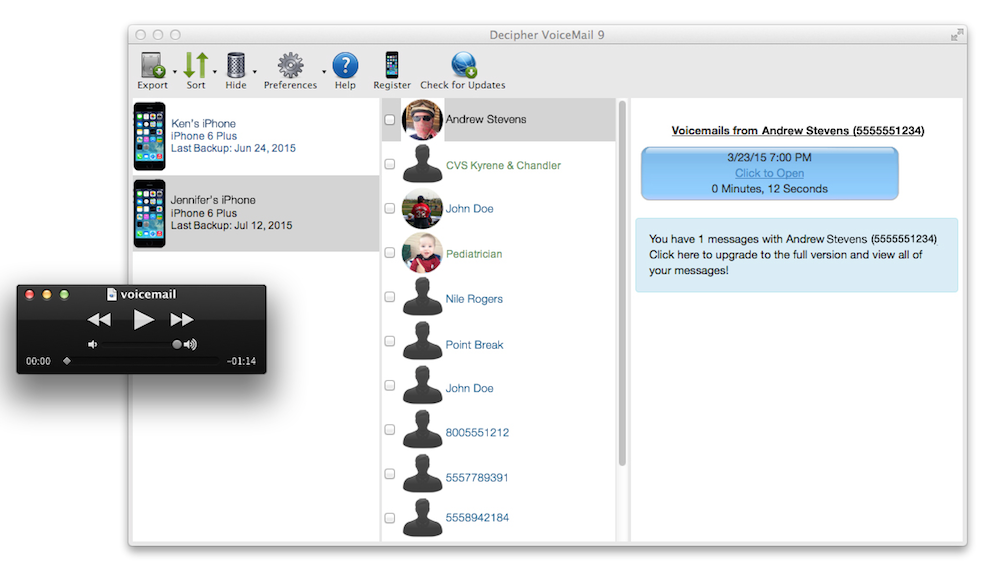
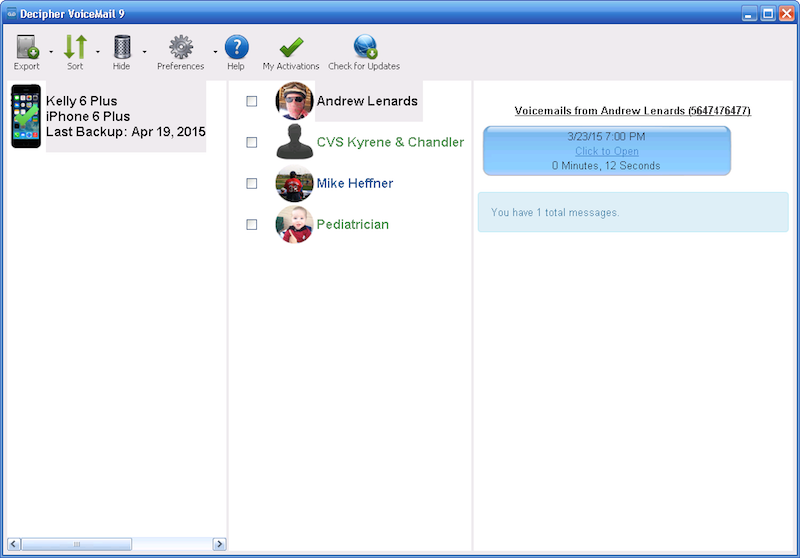
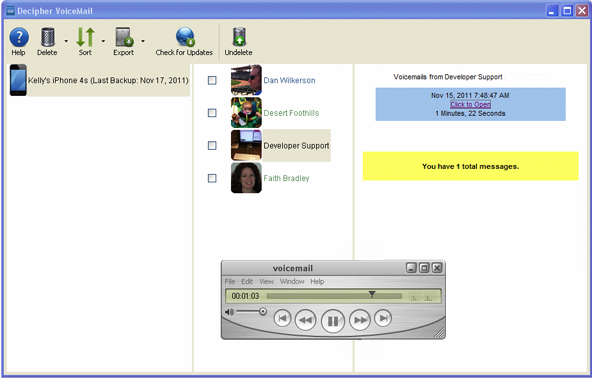
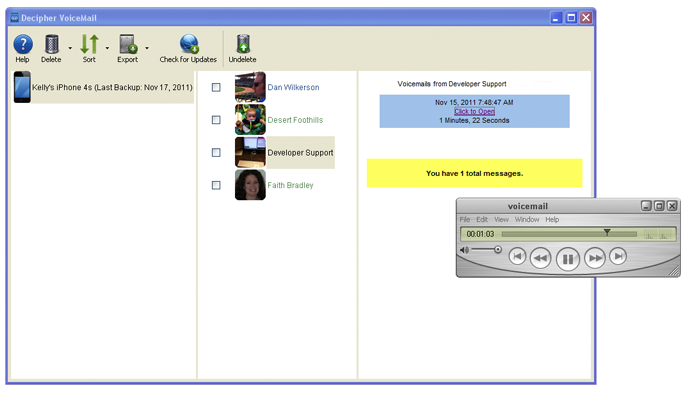
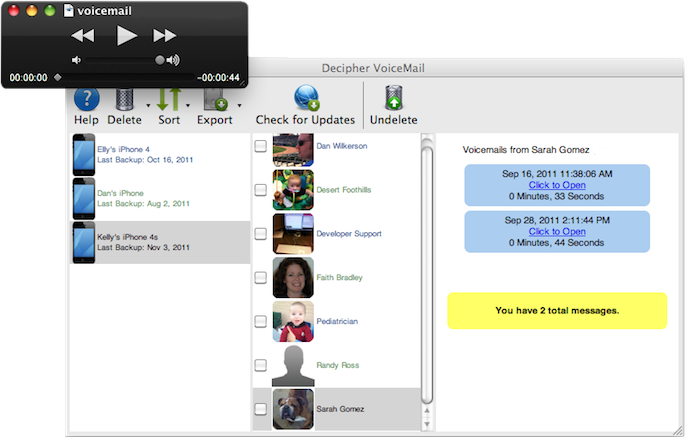
Save your iPhone voice-mail history to your Windows computer with Decipher VoiceMail. Never lose important messages again!
Only $19.99
Buy Decipher VoiceMailTry Decipher VoiceMail
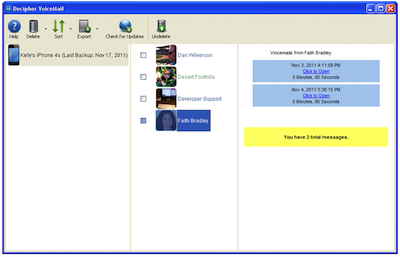
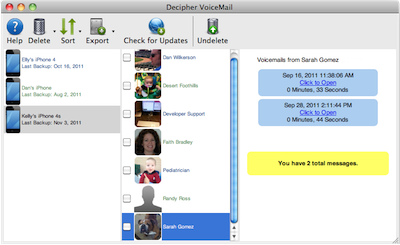
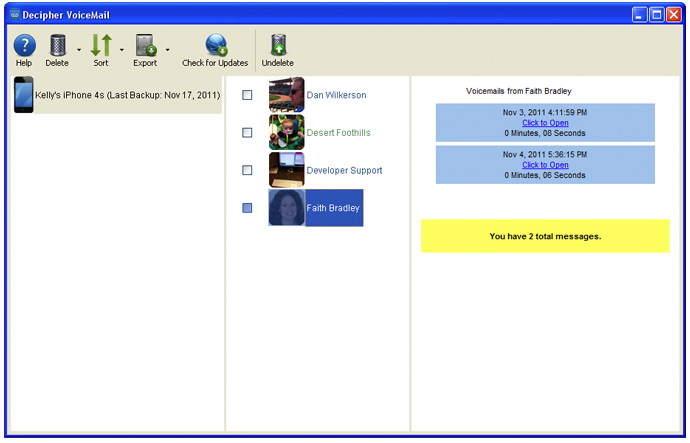
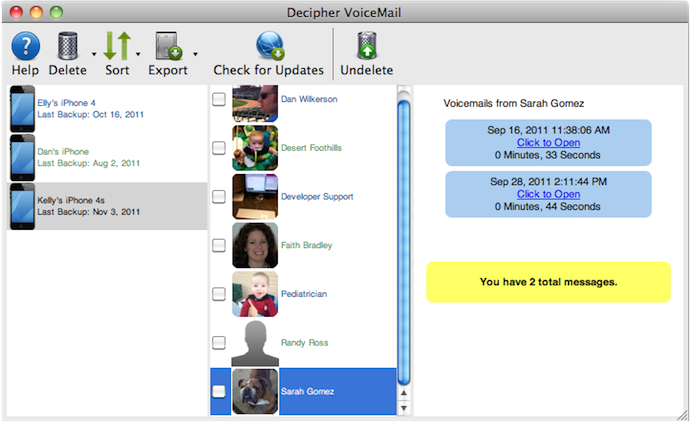
- Quickly load messages from your iTunes backup.
- Listen to messages as MP3 files from Decipher VoiceMail, or Export messages as MP3 for emailing or other uses.
- Easily see messages by names in your iPhone contacts.
- No jailbreaking needed!
(And also works for jailbroken iPhones.) - Supported for Windows XP and above.
- Requires iPhone Visual Voicemail (Click here for a listing of carriers and the services they support)
Need to reinstall Decipher VoiceMail 4? Click here to download!
“Straightforward and takes very little effort to use.
It
automatically finds your iPhone backup and voicemail files.”
-MacWorld
“May I compliment you on your customer
service. I'm sure I'm not your only
customer, but I feel like it!”
-Virginia
"Thanks again for the friendly and quick
support. Your product was the nicest one
I've tried and seems to work the best."
-Vince
System Requirements
Macintosh Version
- Mac OSX Operating System:
- Java 1.6 or higher: Java should be installed automatically for Leopard and Snow Leopard. If it isn't, please contact us for assistance.
- Intel x86, or x86-64 CPU
- 128MB of RAM
- 10MB free disk space
- Recent version of iTunes
- iPhone device running iOS6, iOS5, iOS4, or iOS3
- Visual voice mail service.
Leopard (OSX 10.5) is supported for 64-bit machines only (How do I tell if I have a 64- or 32-bit machine?)
To download Java for Lion or Mountain Lion, click here.
Windows Version
- Windows 8, Windows 7, Vista, XP, or 2000.
- Intel x86, or x86-64 CPU
- 128MB of RAM
- 110MB free disk space.
- Recent version of iTunes
- iPhone device running iOS6, iOS5, iOS4, or iOS3
- Visual voice mail service.