Decipher TextMessage
for Windows
| Tweet |
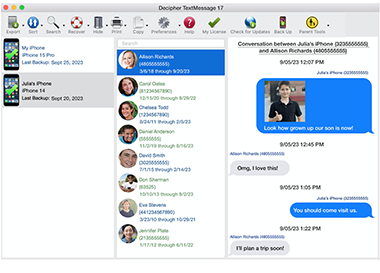
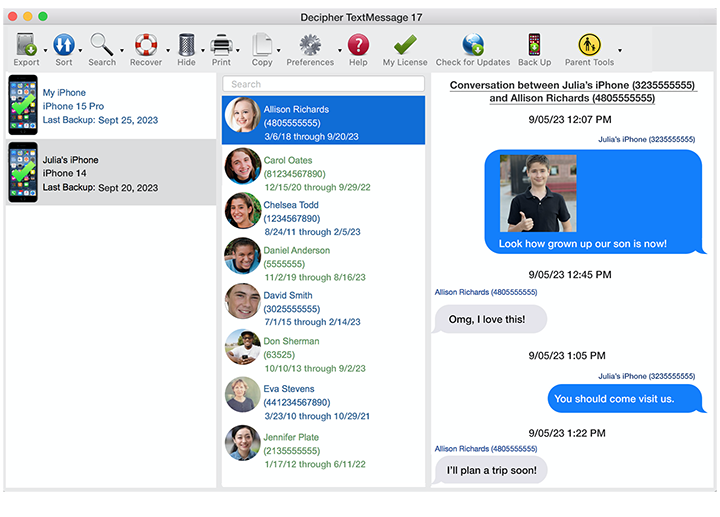
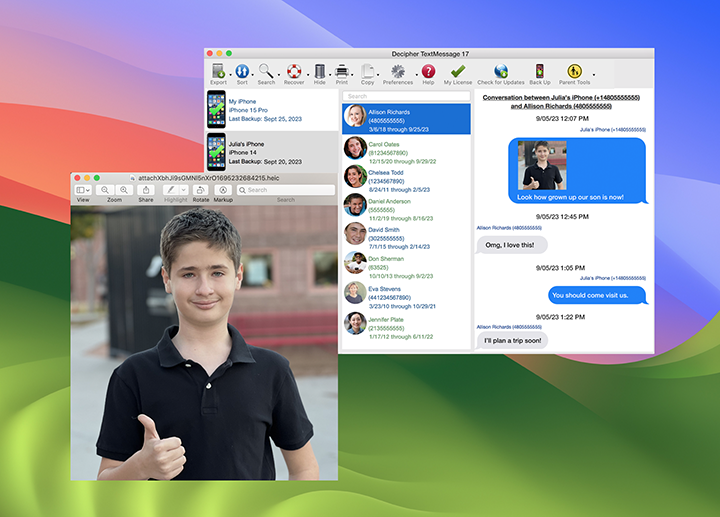
Save your iPhone SMS text messages to your computer with Decipher TextMessage. Never lose important conversations again!
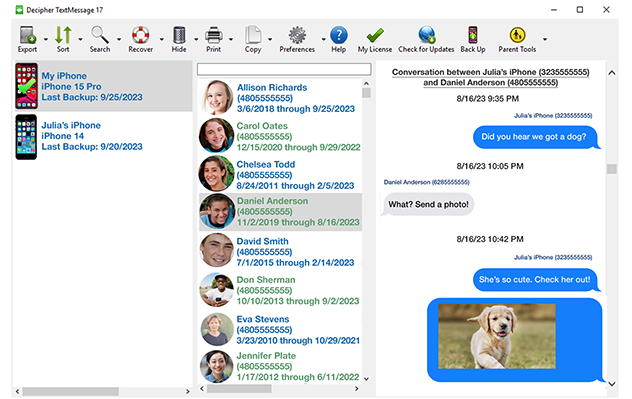
- Quickly read text messages from your iTunes backup.
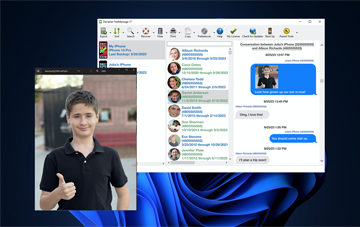
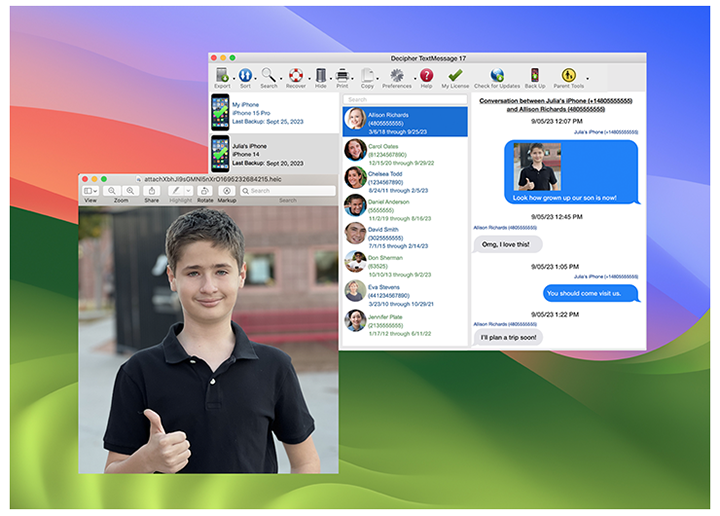
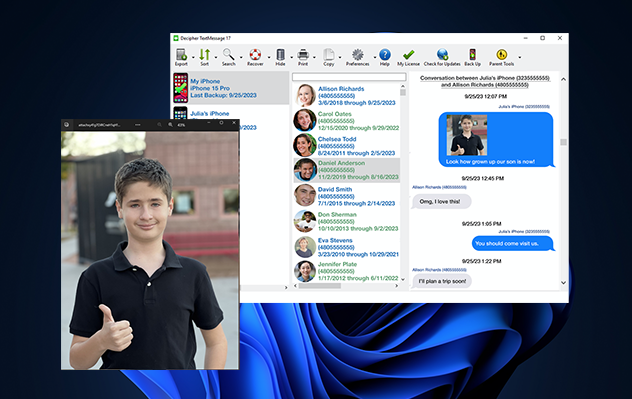
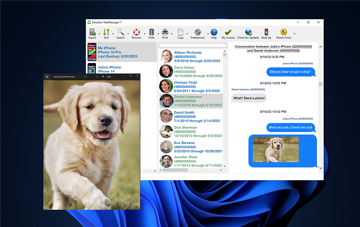
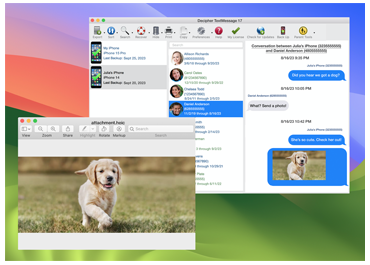
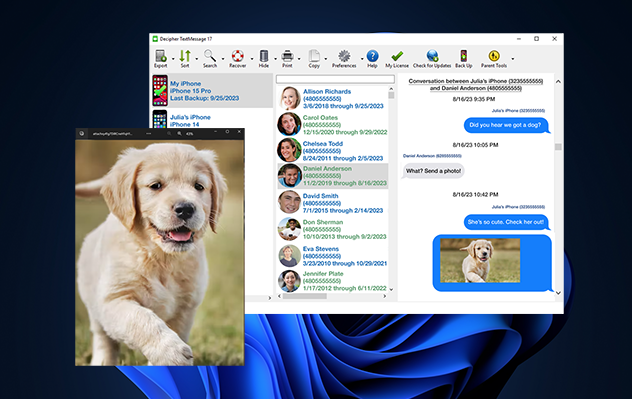
- Save and view MMS attachments, such as images and video.
- Recovers certain* deleted text messages. Read our FAQ for specifics or download our free trial to see if your messages are recoverable.
- Easily see conversations by names in your Phone's Address Book.
- Supported for Windows 2000 and above.
- iOS5 and iMessage compatible.
- Export conversations in text and HTML formats.
- Only $14.99
Buy Decipher TextMessage Try Decipher TextMessage
“an easy-to-use program dedicated to
the task of saving your iPhone’s
text messages on your computer.”
-MacWorld
“May I compliment you on your customer
service. I'm sure I'm not your only
customer, but I feel like it!”
-Virginia
"Thanks again for the friendly and quick
support. Your product was the nicest one
I've tried and seems to work the best."
-Vince
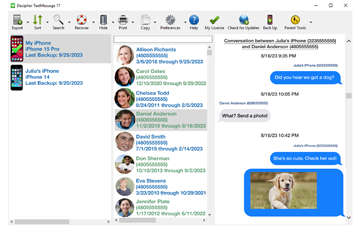
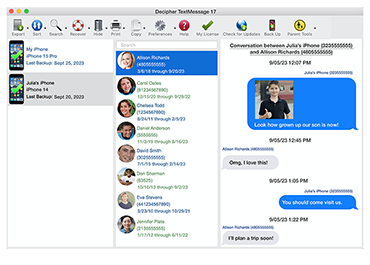
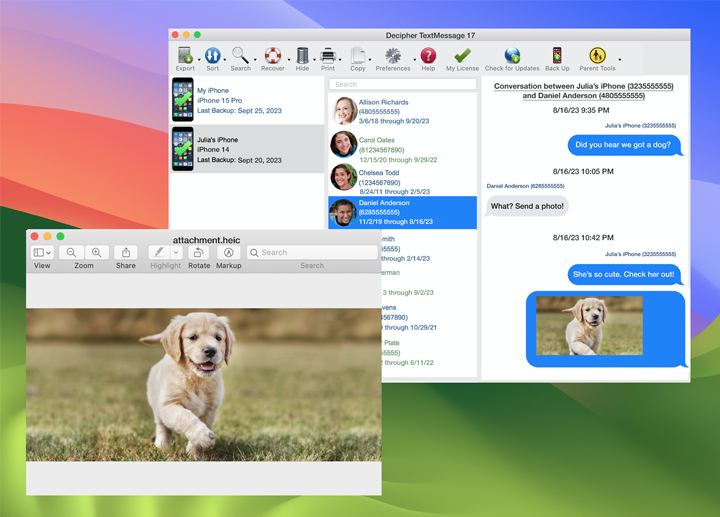
Decipher TextMessage is software specifically developed to save your iPhone text messages to your computer. Each SMS text message and MMS attachment, such as a photo or video, is automatically transferred from your iPhone backups to Decipher TextMessage and displayed in an easy-to-read layout. Within Decipher TextMessage, you can simply read your SMS texts, or export text messages, photos, and videos for printing and use elsewhere. Texts read by Decipher TextMessage are backed up, so it's simple to keep an archive of your conversations for future use. Additionally, Decipher TextMessage runs completely on your computer, so your SMS messages remain private.
Here at Decipher Media, we understand the importance of your data. We love Decipher TextMessage not only as product, but also for the many opportunities it has provided us to help people restore or access important messages. If you have any problems with Decipher TextMessage, or just have questions about your iPhone text messages, please feel free to contact us. Before contacting us via the support email, we ask that you read our FAQ since many helpful answers are available here.
System Requirements
Macintosh Version
- Macintosh versions 10.5 (Leopard), or 10.6 (Snow Leopard)
- Intel x86, or x86-64 CPU
- 128MB of RAM
- 10MB free disk space
- Recent version of iTunes
- iPhone device running iOS version 3, 4, or 5.
Windows Version
- Windows 7, Vista, XP, or 2000.
- Intel x86, or x86-64 CPU
- 128MB of RAM
- 110MB free disk space.
- Recent version of iTunes
- iPhone device running iOS version 3, 4, or 5.